.png)



This Google Workspace discount is available only to new Google Workspace customers. The offer cannot be used by businesses currently on a Google Workspace free trial or with any existing or previous paid Workspace account.
The discount applies only to eligible Business Starter, Business Standard, and Business Plus plans and is valid for the first 6-12 months (depending on the offer) of the subscription. It is applied across all seats added to your Google Workspace subscription during sign up.
Each promo code supplied is unique and single use and cannot be transferred, reused, or applied after account creation.
FounderPass membership fees are paid directly to FounderPass and are not affiliated with Google. Google Workspace discounts are subject to change and available while the offer lasts.
How to redeem the Google Workspace discount
This discount is offered by way of a unique, one time use code. For security and verification, these codes must be sent directly to your email.
- Click the call to action button at the top of this page to open the redemption form.
- Select the Google Workspace plan you want the discount for, then enter your email address.
- We will instantly email you a unique, one time use discount code for that specific plan.
- Open the email and click through to the Google Workspace signup page.
- Complete signup for the same plan and enter your discount code during checkout. The discount will then be applied to your new Google Workspace account.
If you choose a different plan, you will need to request a new code for that plan, as each code is tied to a single plan type and cannot be reused.
Google Workspace overview
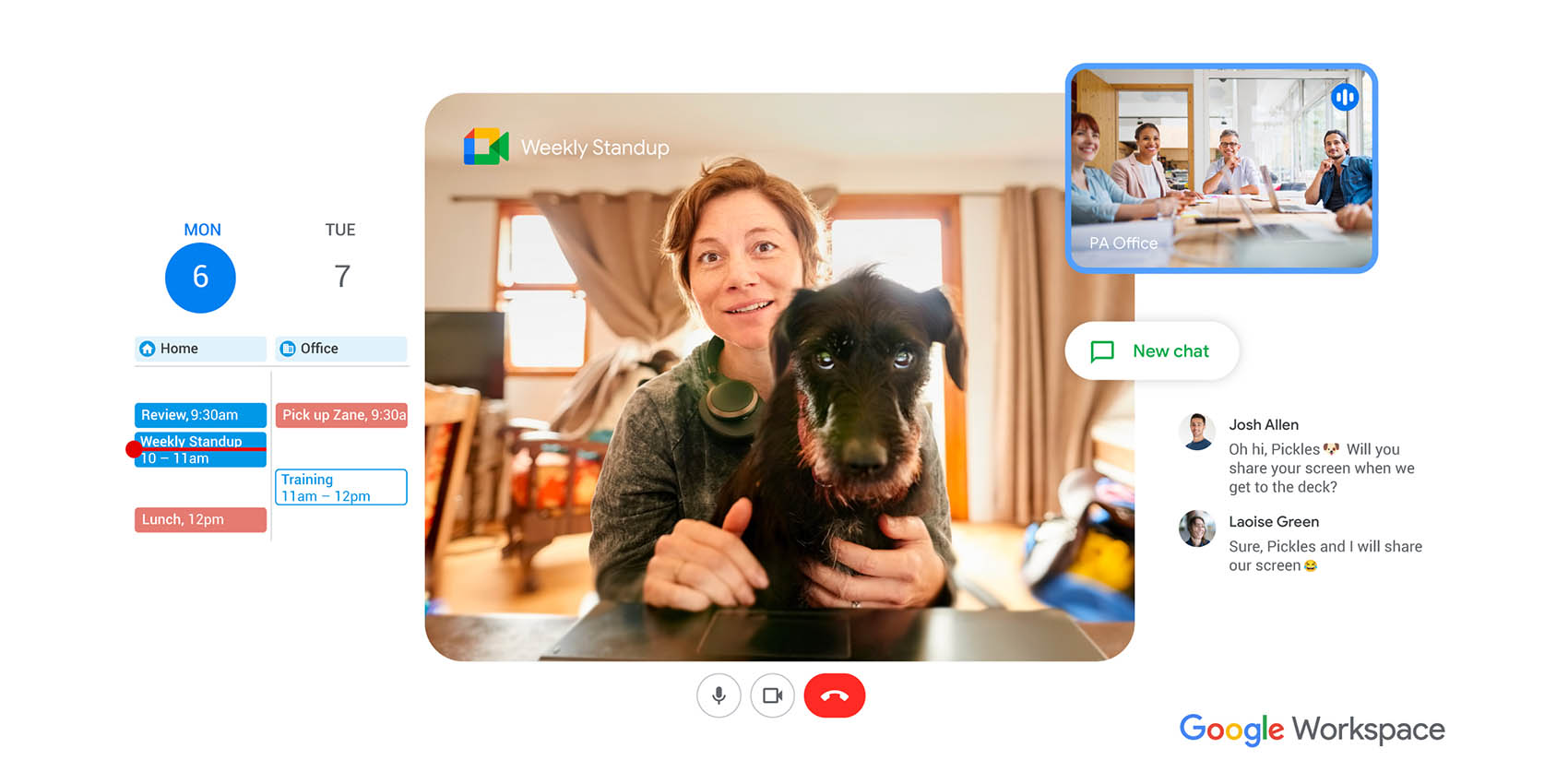
Google Workspace is one of the most widely used business productivity platforms in the world, trusted by startups, scaleups and global organisations to run their daily operations. It brings together professional email, document creation, file storage, calendars, video meetings, and team collaboration into one secure, integrated system.
At FounderPass, we use Google Workspace internally to run our own business, manage communication, collaborate on documents, and stay organised across teams. It is the same setup used by millions of founders and businesses worldwide.
With Google Workspace, your team can work from anywhere, on any device, in real time, while keeping data secure and centrally managed.
What Google Workspace includes
Google Workspace combines multiple business tools into one platform:
- Gmail for professional business email on your own domain
- Google Drive for secure file storage and sharing
- Docs, Sheets, and Slides for real time document collaboration
- Google Meet for video meetings and calls
- Google Calendar for scheduling and team coordination
- Google Chat for internal messaging and collaboration
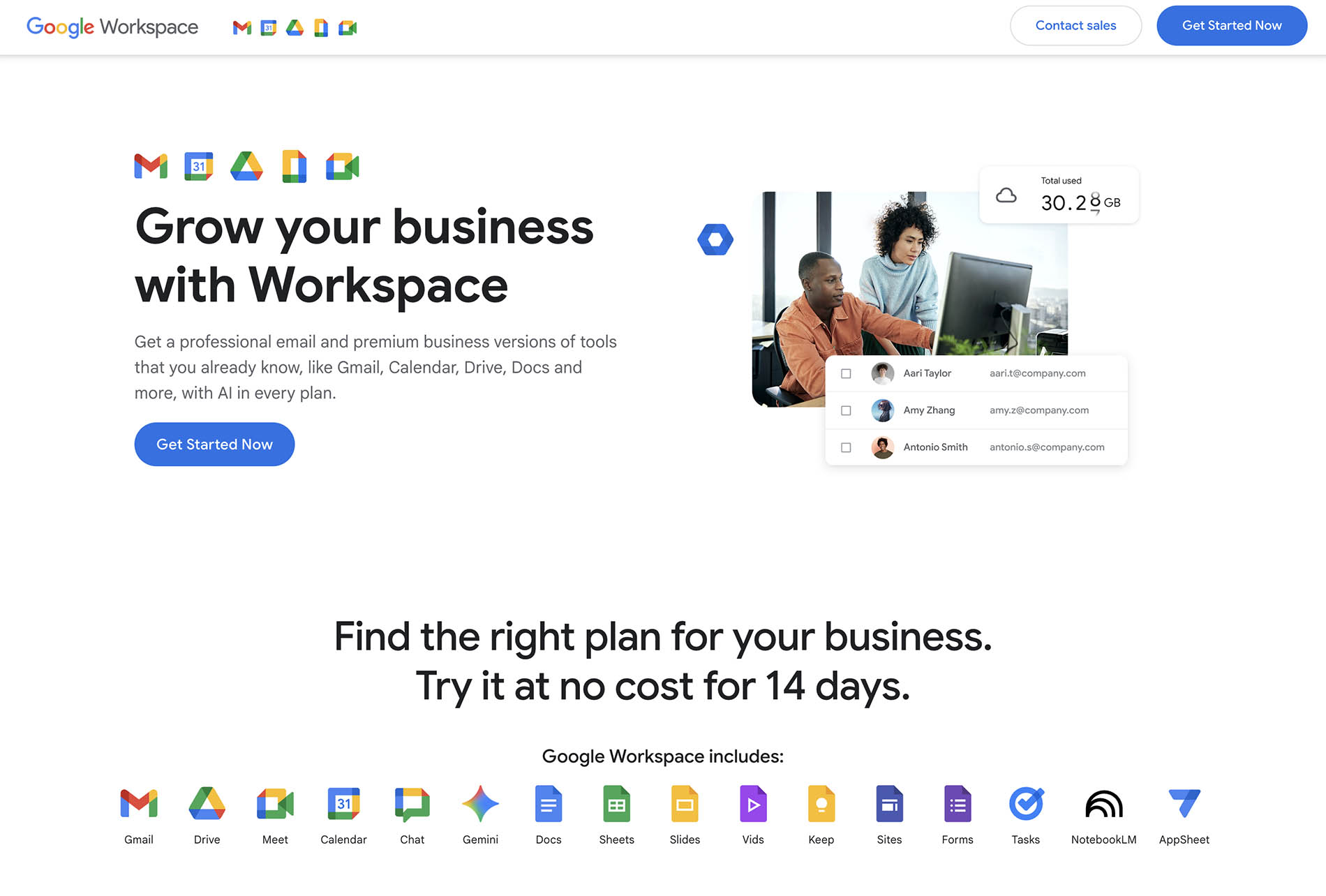
All tools are connected, so meetings link directly to calendars, files attach seamlessly to emails, and documents can be edited live by multiple team members.
Why founders choose Google Workspace
Founders usually choose Google Workspace for three reasons: simplicity, scalability, and reliability, these are the same reasons we chose it at FounderPass.
You can start with just a couple of users, then scale to dozens or even hundreds without changing systems. Adding new team members takes minutes, permissions are easy to manage and everything stays organised in one place. Shared calendars reduce missed meetings, shared Drives prevent file chaos and real time collaboration removes the constant back and forth of version control.
From our experience, the biggest advantage is speed. When your entire team works inside one connected workspace, decisions happen faster, projects move quicker and small operational frictions simply disappear.
Professional business email with Gmail
One of the main reasons startups adopt Google Workspace is Gmail. Email is still the backbone of most businesses and Gmail for Workspace is built specifically for professional use. There are no ads, you get full admin control, advanced spam filtering and importantly enterprise grade security from day one (something that should not be overlooked)
At FounderPass, we rely on Gmail daily because it simply works. It is fast, reliable and easy to manage as teams grow.
Google Workspace lets you create professional email addresses such as:
yourname@yourcompany.com
sales@yourcompany.com
support@yourcompany.com
This immediately improves brand credibility, trust with customers and consistency across your business communications and for the cost is a no brainer for most startups.
Google also backs Gmail with a 99.9% uptime guarantee and industry leading spam and phishing protection.
For founders, that reliability matters. When email works without issues, everything else in the business runs smoother.
Collaboration without friction
Google Docs, Sheets, and Slides allow multiple people to work on the same file at the same time. Changes appear instantly, comments can be added in context and version history is always available.
This removes the need to send files back and forth or worry about outdated versions. Teams can collaborate from different locations as if they were in the same room.
Meetings, storage, and organisation
Google Meet makes it easy to host internal meetings, client calls and interviews directly from your calendar or inbox.
Google Drive gives you secure access to your files from anywhere, with full control over who can view, edit, or share each file.
Google Calendar keeps your team aligned on meetings, deadlines and events, with shared calendars and automatic Meet links.
Together, these tools form a complete operating system for modern businesses.
Google Workspace pricing and discounts
Google Workspace plans are priced per user, per month. The total cost depends on:
- The plan you choose
- The number of users (seats) on your account
- Whether you choose monthly or annual billing
Through FounderPass, members can access:
20% off Business Standard or Business Plus for 12 months or 15% off Business Starter for 12 months
The discount is applied per user across all seats on your subscription during the discount period. This means if you have 50 users, the discount applies to all 50 users.
Google Workspace free trial
Google Workspace offers a 14 day free trial for new customers, this allows you to test all features before committing to a paid plan. However, Google Workspace promotion codes cannot be applied to accounts that are already on a free trial. To use the FounderPass discount, you must start a new paid signup using the discount code during checkout.
Google Workspace promo code through FounderPass
FounderPass members can request a unique Google Workspace promo code directly from this page.
Each code:
- Is issued under a direct Google Workspace partner relationship
- Is unique and single use
- Is linked to a specific plan
- Must be applied during signup
Because codes are generated individually, they are emailed directly to you for security and verification. This ensures accuracy, tracking and compliance with Google’s partner requirements.
Who should use Google Workspace
Google Workspace is suitable for:
- Solo founders
- Startups
- Agencies
- Remote teams
- Growing companies
- Enterprise organisations
If your business relies on communication, collaboration, documents, meetings, and file sharing, Google Workspace provides a reliable foundation that scales with you.
It is especially valuable for founders who want a single platform that can grow with their business rather than needing to switch tools later.
Security and reliability
Google Workspace includes enterprise grade security features such as:
- Two factor authentication
- Advanced phishing and malware protection
- Admin level access controls
- Secure data centres
- Compliance certifications
For founders handling financial, legal, product, or customer data, this level of security is critical.
Our view as founders
From our own experience running FounderPass, Google Workspace is one of the few tools that becomes more valuable as your business grows. It reduces friction, improves communication and removes many of the small operational problems that slow teams down.
It is not just a productivity tool , it becomes part of your company’s infrastructure.
Final note for founders
If you are building a business and want a professional, scalable, secure and widely supported productivity platform, Google Workspace is one of the safest long term choices you can make.
Using the FounderPass Google Workspace discount simply allows you to access that same platform at a reduced cost during your critical early stages of growth.
Google Workspace alternatives
While Google Workspace is one of the most widely used business productivity platforms, and the one we use internally at FounderPass, we know it is not the right fit for every team. Some founders prefer to stay fully within a single ecosystem, such as Google or Microsoft, while others build a more flexible stack by mixing tools across different platforms.
Most alternatives offer similar core features around business email, documents, file storage, video meetings, and team collaboration, but they vary in usability, security controls, integrations and pricing structures. For founders, the best choice usually comes down to how your team already works, which tools you are most comfortable with, and how much control or flexibility you want as you scale.
If you are early stage, consistency and simplicity often matter more than feature depth. As teams grow, integrations, security, and admin control tend to become the deciding factors.

Google Workspace FAQ
How do I get a Google Workspace promotional code?
FounderPass members can request a unique Google Workspace promotion code directly from us, once requested, your personal, one time use code is emailed to you instantly. Each code can only be used once and cannot be shared or reused.
Which Google Workspace plans does the discount apply to?
The discount applies to Business Starter, Business Standard and Business Plus plans. When requesting your code, you must select the plan you intend to use, codes for different plans won't work as they are generated specifically for that plan and will not work on a different ones.
Does the discount apply to all users on my account?
Yes. The discount is applied per user across all seats on your Google Workspace subscription during the 6-12 month discount period depending on the offer you redeem.
Is there a free version of Google Workspace?
Sadly not, Google Workspace does not offer a free plan, all subscriptions are paid business plans.
Is Google Workspace the same as G Suite?
Yes. G Suite was the previous name but they rebranded the platform as Google Workspace to reflect its expanded set of tools and integrations.
Are these Google Workspace promo codes legitimate?
Yes, we are proud participants in the official Google Workspace Affiliate Program who provide verified, single use promotion codes. Each code is sent to us directly from Google and once distrubuted is never distrubuted again, If a code does not work, it is most likely that you are using it on the wrong plan or your account is not a new account.
If you feel that you have the right code for the right plan and are eligible and the code is not working still, please contact our team who will investigate and try and resolve the issue.
How long does the discount last?
The discount applies for 6-12 months from the date of signup depending on the offer you redeem.
I requested a code but have not received the email. What should I do?
Codes are usually delivered within seconds, if you have not received your email after a few minutes, check your spam or junk folder. If it is still not there, request the code again and ensure your email address is entered correctly. If the issue continues, contact FounderPass and we will assist you manually.
Does Google offer any other startup discounts?
Yes. Google also offers cloud credits for eligible startups. FounderPass members can access Google Cloud free credit offers separately through our platform.
Can I use more than one promotion code?
No. Google only allows one promotion code per customer, and each code is single use.

Deal change log
- 30th July 2026 - Deal updated, clearer deal details added
- January 12, 2026 - Eligiblity crtieria updated